
复制安装命令
用 Codex 或 Claude 安装复制这段 Prompt,粘贴到 Codex、Claude 或其他助手里,让它先审查 Skill 页面再帮你安装。
复制前请先查看来源、License 和安全提示。
Persistent memory compression system built for Claude Code .
用 Codex 或 Claude 安装复制这段 Prompt,粘贴到 Codex、Claude 或其他助手里,让它先审查 Skill 页面再帮你安装。
复制前请先查看来源、License 和安全提示。
来源文件:README.md


🇨🇳 中文 • 🇹🇼 繁體中文 • 🇯🇵 日本語 • 🇵🇹 Português • 🇧🇷 Português • 🇰🇷 한국어 • 🇪🇸 Español • 🇩🇪 Deutsch • 🇫🇷 Français • 🇮🇱 עברית • 🇸🇦 العربية • 🇷🇺 Русский • 🇵🇱 Polski • 🇨🇿 Čeština • 🇳🇱 Nederlands • 🇹🇷 Türkçe • 🇺🇦 Українська • 🇻🇳 Tiếng Việt • 🇵🇭 Tagalog • 🇮🇩 Indonesia • 🇹🇭 ไทย • 🇮🇳 हिन्दी • 🇧🇩 বাংলা • 🇵🇰 اردو • 🇷🇴 Română • 🇸🇪 Svenska • 🇮🇹 Italiano • 🇬🇷 Ελληνικά • 🇭🇺 Magyar • 🇫🇮 Suomi • 🇩🇰 Dansk • 🇳🇴 Norsk





|
|
Quick Start • How It Works • Search Tools • Documentation • Configuration • Troubleshooting • License
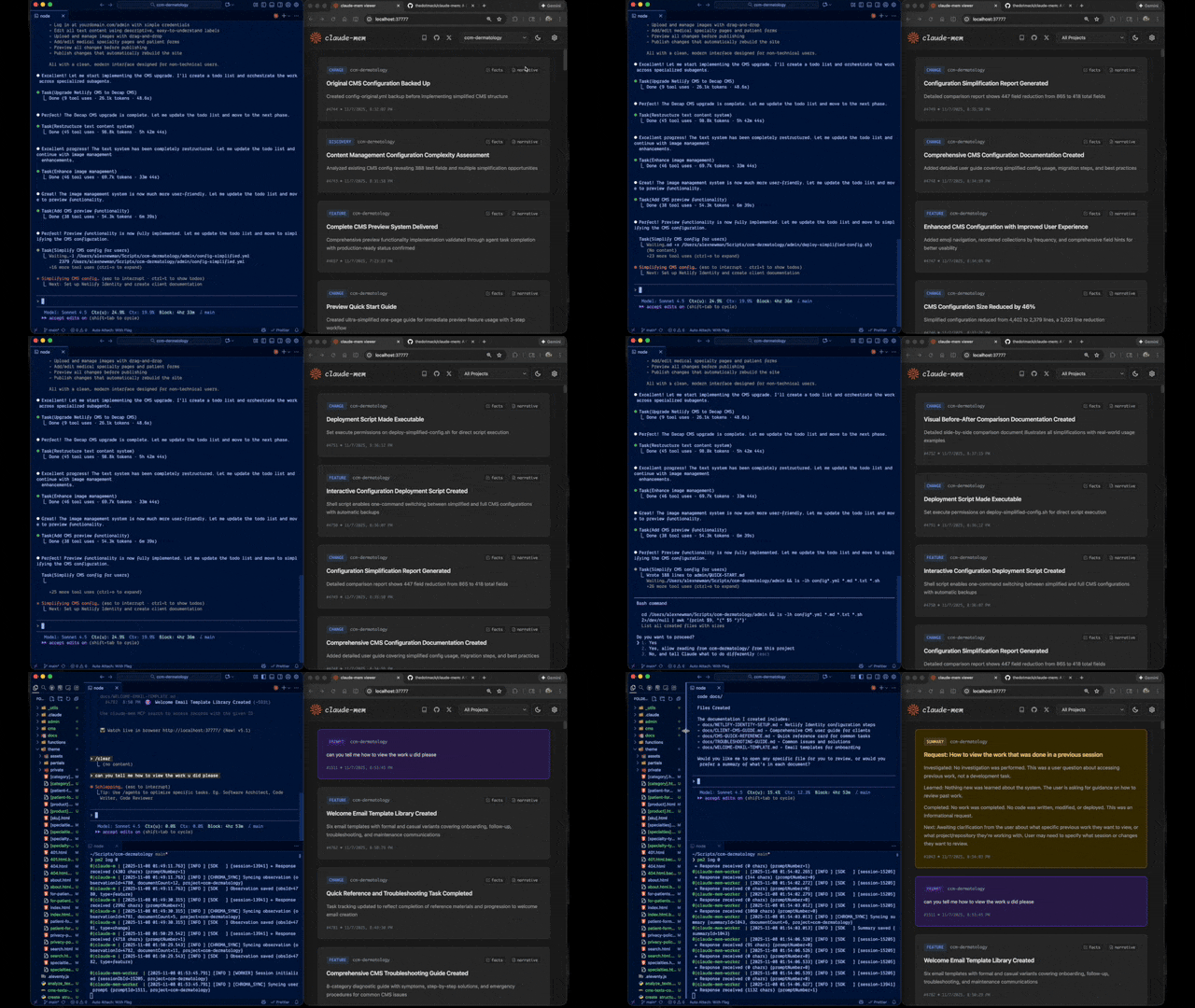
Claude-Mem seamlessly preserves context across sessions by automatically capturing tool usage observations, generating semantic summaries, and making them available to future sessions. This enables Claude to maintain continuity of knowledge about projects even after sessions end or reconnect.
Install with a single command:
npx claude-mem install
Or install for OpenCode:
npx claude-mem install --ide opencode
Or install for Antigravity CLI (setup guide):
npx claude-mem install --ide antigravity
Or install from the plugin marketplace inside Claude Code:
/plugin marketplace add thedotmack/claude-mem

/plugin install claude-mem
Restart Claude Code. Context from previous sessions will automatically appear in new sessions.
Note: Claude-Mem is also published on npm, but
npm install -g claude-meminstalls the SDK/library only — it does not register the plugin hooks or set up the worker service. Always install vianpx claude-mem installor the/plugincommands above.
Install claude-mem as a persistent memory plugin on OpenClaw gateways with a single command:
curl -fsSL https://install.cmem.ai/openclaw.sh | bash
The installer handles dependencies, plugin setup, AI provider configuration, worker startup, and optional real-time observation feeds to Telegram, Discord, Slack, and more. See the OpenClaw Integration Guide for details.
Key Features:
<private> tags to exclude sensitive content from storage📚 View Full Documentation - Browse on official website
Core Components:
See Architecture Overview for details.
Claude-Mem provides intelligent memory search through 4 MCP tools following a token-efficient 3-layer workflow pattern:
The 3-Layer Workflow:
search - Get compact index with IDs (~50-100 tokens/result)timeline - Get chronological context around interesting resultsget_observations - Fetch full details ONLY for filtered IDs (~500-1,000 tokens/result)How It Works:
search to get an index of resultstimeline to see what was happening around specific observationsget_observations to fetch full details for relevant IDsAvailable MCP Tools:
search - Search memory index with full-text queries, filters by type/date/projecttimeline - Get chronological context around a specific observation or queryget_observations - Fetch full observation details by IDs (always batch multiple IDs)Example Usage:
// Step 1: Search for index
search(query="authentication bug", type="bugfix", limit=10)

// Step 2: Review index, identify relevant IDs (e.g., #123, #456)

// Step 3: Fetch full details
get_observations(ids=[123, 456])
See Search Tools Guide for detailed examples.
Stable releases ship from main and are published to npm. core-dev and
community-edge are source-run branches for early reliability fixes and
community integrations. See Release Branches
for the branch flow and non-stable run instructions.
If you see an error like:
npm : The term 'npm' is not recognized as the name of a cmdlet
Make sure Node.js and npm are installed and added to your PATH. Download the latest Node.js installer from https://nodejs.org and restart your terminal after installation.
Settings are managed in ~/.claude-mem/settings.json (auto-created with defaults on first run). Configure AI model, worker port, data directory, log level, and context injection settings.
See the Configuration Guide for all available settings and examples.
Claude-Mem supports multiple workflow modes and languages via the CLAUDE_MEM_MODE setting.
This option controls both:
Edit your settings file at ~/.claude-mem/settings.json:
{
  "CLAUDE_MEM_MODE": "code--zh"
}
Modes are defined in plugin/modes/. To see all available modes locally:
ls ~/.claude/plugins/marketplaces/thedotmack/plugin/modes/
| Mode | Description |
|---|---|
code | Default English mode |
code--zh | Simplified Chinese mode |
code--ja | Japanese mode |
Language-specific modes follow the pattern code--[lang] where [lang] is the ISO 639-1 language code (e.g., zh for Chinese, ja for Japanese, es for Spanish).
Note:
code--zh(Simplified Chinese) is already built-in — no additional installation or plugin update is required.
See the Development Guide for build instructions, testing, and contribution workflow.
If experiencing issues, describe the problem to Claude and the troubleshoot skill will automatically diagnose and provide fixes.
See the Troubleshooting Guide for common issues and solutions.
Create comprehensive bug reports with the automated generator:
cd ~/.claude/plugins/marketplaces/thedotmack
npm run bug-report
Contributions are welcome! Please:
Claude-Mem ships from three branches: main (stable), core-dev, and
community-edge. Only main is published to npm; the others are run from
source. See Release Branches for the
strategy and local run instructions.
See Development Guide for contribution workflow.
Claude-Mem is licensed under the Apache License 2.0.
We chose Apache-2.0 because durable agentic memory should be easy to embed in developer tools, local agents, MCP servers, enterprise systems, robotics stacks, and production agent harnesses.
See the LICENSE file for full details. See docs/license.md and docs/ip-boundary.md for licensing scope and the open/commercial boundary.
Note on Ragtime: The ragtime/ directory is licensed under the Apache License 2.0. See ragtime/LICENSE for details.
Built with Claude Agent SDK | Works with Claude Code | Made with TypeScript
CMEM is a token created by a 3rd party but officially embraced by the creator of Claude-Mem (Alex Newman, @thedotmack). The token acts as a community catalyst for growth and a vehicle for bringing CMEM to the developers and knowledge workers that need it most.
Official BASE CA: 0x76b1967eec0ccaeb001bbbb2b40dc4badba31ba3
name: standup
version: 1.0.0
description: Facilitate a read-only standup across git worktrees, branches, or PRs to compare changes and produce one consolidation plan.
allowed-tools:
  - Bash
  - Read
  - Edit
  - Task
- AskUserQuestionYou're the facilitator. Each of the user's git worktrees (and any PRs they pick) joins a shared markdown chat as its own agent, and the agents reconcile their scattered work into ONE consolidated worktree. You convene the room, run the conversation in rounds, and carry the outcome back — the reconciling happens in the chat, between the agents.
The room is one shared file (default ~/.claude-mem/STANDUP.md): YAML front
matter holds the goal + prompt; the body is the transcript. Writes are
atomically locked, so agents speak at once. It is read-only — agents decide
how the merge should go; nobody commits or merges inside the room. Real git
work happens afterward via /do.
Two ways, mixable:
By recency (common) — worktrees active in a window:
node "${CLAUDE_SKILL_DIR}/standup.mjs" worktrees --since <1h|4h|24h|7d|all> --json
Active = a commit or an uncommitted/staged/untracked edit in the window. If the user didn't name a window, offer 1h / 4h / 24h / 7d / all.
By hand — specific branches and/or open PRs:
node "${CLAUDE_SKILL_DIR}/standup.mjs" worktrees --json   # local branches
node "${CLAUDE_SKILL_DIR}/standup.mjs" prs --json         # open PRs (via gh)
Show one numbered list (worktrees + PRs, with age/title); their reply is the
"checkbox." If prs errors (no gh / not GitHub), carry on worktrees-only.
Zero or one candidate isn't a standup — say so, offer to widen, stop. Otherwise echo the roster to confirm before you start.
Set a goal + prompt that invite a conversation, not one-shot status reports:
node "${CLAUDE_SKILL_DIR}/standup.mjs" open --force --agent facilitator \
  --goal "Collapse these branches/PRs into ONE consolidated worktree: what each changed, where they overlap, which becomes the target, and the merge order." \
  --prompt "Facilitated rounds. Round 1: introduce your branch and its state. Then resolve the conflicts the facilitator surfaces, round by round, until the room lands on one concrete plan (target worktree + merge order + conflict resolutions). Read-only: decide, don't merge. Register AGREE when you back the plan."
You drive the turns — if agents watch-loop on their own the room can stall with nothing decided. Each agent speaks once per round (read → post → return); you read between rounds and bring back whoever's still needed.
Spawned agents don't inherit CLAUDE_SKILL_DIR, so resolve it once and paste the
real path into each brief:
echo "${CLAUDE_SKILL_DIR}"
Round 1 — intros (everyone, one Task message so they run together). Brief each:
You're
<branch>(a PR ispr-<number>) in a standup group chat. Read<skill-dir>/agent-brief.mdand play your part by it. The room is~/.claude-mem/STANDUP.md; speak withnode "<skill-dir>/standup.mjs" post …, catch up with… read. Get your bearings (cd "<path>",git log --oneline origin/main..HEAD,git status --short,git diff --stat origin/main...HEAD; a PR usesgh pr view/diff <number>), then post ONE turn: your branch, its real state, and how it should fold in. Read-only. Then return.
Reconcile. Once they've returned, read the room and list the open
items — overlaps, conflicts, competing implementations, undecided
target/order. None? Skip to the close.
Resolution rounds (cap ~4). Per open item, re-spawn only the agents it
implicates, with the specific question. Tell them to read --since <their-name>
first, then post their position and --agree if convinced. read again, update
the list. Repeat.
Close — you always write it. Stop when the list is empty, you hit the cap, or an agent errors (note "didn't report," don't block). Then write the SUMMATION yourself — don't wait for an agent to volunteer. Write it as plain prose a human can skim, not a field dump: which worktree is the target and why, the merge order in a sentence, and what's left for the human:
node "${CLAUDE_SKILL_DIR}/standup.mjs" summation --agent facilitator \
  --text "Build on <worktree> — it's the only one with real code. Layer <branch>'s changes on top, then drop in the doc-only branches; skip <empty branch>. Your call before it's safe: <the one or two real decisions>. Done when it all sits in <target> and builds clean."
This is the payoff — don't hand them the raw SUMMATION, translate it. A human who didn't watch the room should understand the outcome without decoding paths, line counts, or commit hashes. Lead with the answer, then the few choices only they can make:
AskUserQuestion for the clear-cut ones.Keep git internals out unless they ask. Once they've settled the open calls, hand
the plan to /do to perform the merges — don't merge anything yourself
outside /do.
node "${CLAUDE_SKILL_DIR}/standup.mjs" <command> [--flags]
Defaults: agent = git branch, file = ~/.claude-mem/STANDUP.md. Every write is
atomically locked.
| command | what it does |
|---|---|
worktrees [--since 4h] [--json] | worktrees newest-first; --since N{m,h,d,w} keeps those active in the window |
prs [--since 4h] [--json] | open GitHub PRs (via gh) newest-first |
open --goal "…" --prompt "…" [--force] | create the room (--force rotates an old one aside) |
join [--message "…"] | add yourself + say Hello |
post --message "…" [--agree "…"] | append a turn |
agree --deliverable "…" | append an AGREE turn |
watch [--timeout SEC] [--interval SEC] | block until someone else posts, print it (exit 2 on timeout) |
read [--tail N] [--since AGENT] | print the chat (or only turns after AGENT's last) |
status | participants + AGREEs + consensus check |
summation --text "…" | write the SUMMATION, flip status: agreed |
Each spawned agent plays its turns by agent-brief.md (bundled here) — the
playbook for being one voice in the room.
评论 (0)
暂无评论,成为第一个评论者吧!